


Key Takeaways
- BC Poker works on Android 6.0+ and iOS 13.0+ devices.
- Android users can install it through Google Play or the official APK.
- On iOS, installation starts from the official download page using a QR code and Exclusive Link.
- The app supports iPhone and iPad with the same account login.
- Players can access cash games, tournaments, Spin & Go, and multi-table play.
- New users may receive a $5 no-deposit reward and earn up to $130 through seven-day missions.
BC Poker Android App and APK Installation
The BCPoker APK can be obtained from the official website when the standard store route is unavailable. Android users may also install the native client through Google Play, which handles downloading and updates through the usual store process. Devices must run Android 6.0 or a later version, so older phones should be checked before installation.

The last one was received 3 minutes ago
How to Install the BCPoker APK on Android
- Open the official BC Poker download page on a supported Android device.
- Download the current BCPoker APK package.
- Allow installation from the selected browser when Android requests permission.
- Open the downloaded file and confirm the installation prompts.
- Launch the BCPoker App, sign in, and disable the temporary source permission if it is no longer needed.
For a direct installation, download the package from the official page, allow installation from that source, open the file, and confirm the requested system prompts. The permission can be disabled again once setup is complete. The Android client includes cash games, tournaments, Spin & Go, deposits, withdrawals, identity verification, profile controls, and VIP progress tracking.
BC Poker iOS App via the App Store
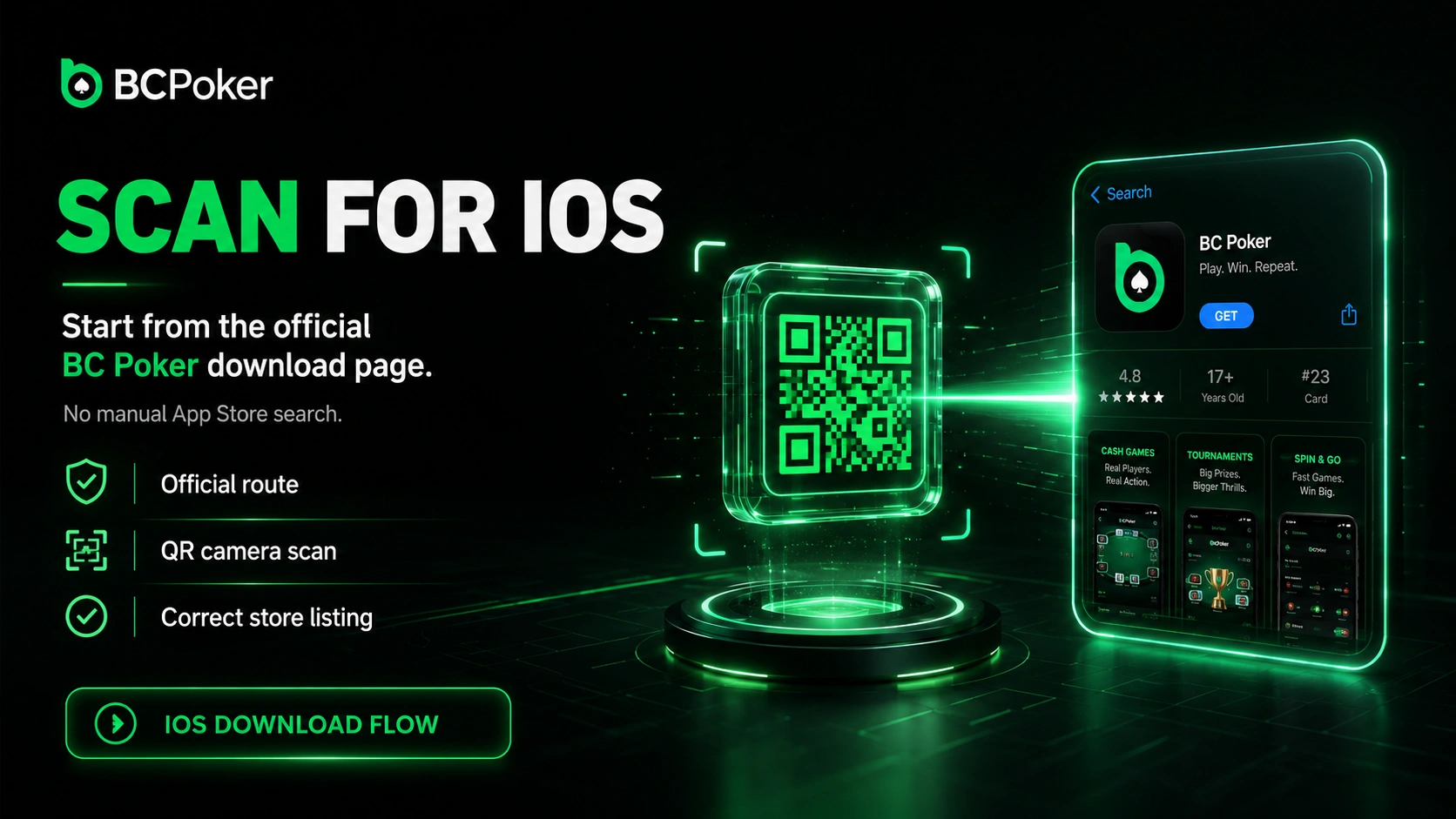
BC Poker download on iOS starts on the official download page rather than a direct App Store search. The page displays a QR code that can be scanned with the device camera to reach the correct App Store listing without typing anything into the store’s search field.
Reaching the store listing is only the first part of the process — the download page also shows an Exclusive Link that unlocks the app for installation. Once that step is completed, the application uses the standard Apple installation process on the device. It supports both iPhone and iPad running iOS 13.0 or later, and the same sign-in details can be used across supported Apple devices once installation finishes.
Mobile Web Access Without Installing the App
A BC Poker APK is not required for users who prefer browser-based play. The responsive version opens through Safari or Chrome and adjusts the lobby, tables, wallet, and account controls to the available screen size. This option avoids using device storage for a separate installation.
How to Add BC Poker to the Home Screen
- Open the official platform website in Safari or Chrome.
- Select the browser sharing or menu control.
- Choose the Add to Home Screen optiа on.
- Confirm the shortcut name and placement.
- Open BC Poker from the new icon and sign in with the existing account credentials.
Users can add the site to the home screen through the browser sharing menu. The resulting shortcut opens in a dedicated window and provides an app-like entry point from the device desktop. Because the browser version loads the current platform build, there is no separate package to replace manually.
Creating an Account Through the BC Poker App
The BCPoker App supports account creation with an email address or mobile number, along with available social sign-in options. New users enter their basic details, create secure login credentials, and confirm the chosen contact method. The registered email should be validated before the first regular sign-in to prevent avoidable password errors.
Identity verification is completed inside the account area when access to restricted functions is required. It becomes necessary for qualifying registration rewards and withdrawals, while standard table access may remain available beforehand. Users should submit accurate personal details because account information must match the verification documents.
The last one was received 3 minutes ago
Games Available in the BC Poker Mobile App
The mobile lobby provides the same main poker categories found in the browser client. Players can open cash tables, scheduled tournaments, Spin & Go games, freerolls, satellites, and All-in-or-Fold formats from a compact navigation system. No Limit Texas Hold’em, 6+ Short Deck, Pot Limit Omaha, and five-card Omaha are represented where active tables are available.
Tournament filters help narrow the lobby by buy-in, format, and schedule, while cash-game filters separate stakes and table types. Open tables remain accessible through tabs, making it easier to switch between active sessions without returning to the lobby. Wallet and account functions stay available from the same mobile interface rather than a separate companion service.
Multi-Tabling and Interface on Mobile
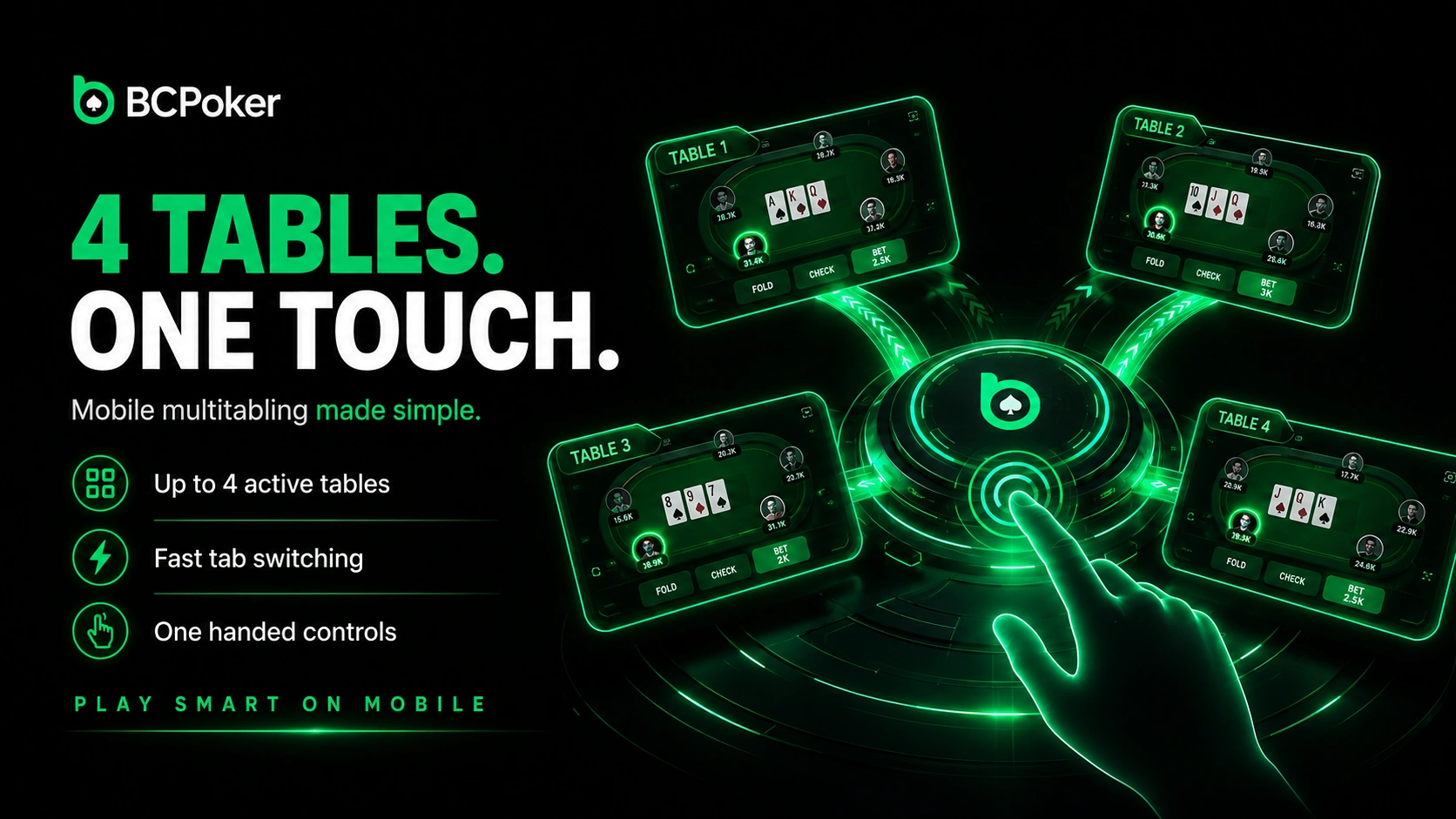
Mobile players can keep up to 4 poker tables open at the same time. Each active table appears in a tab system, so switching takes one touch instead of repeated lobby navigation. Action controls are positioned for practical one-handed use on a phone.
The visual design uses bright elements, compact menus, and table layouts associated with popular Asian poker applications. Important betting controls remain large enough for touch input, while secondary details are placed outside the central action area. This arrangement keeps the screen readable when several tables are running in parallel.
Mobile-Only Welcome Bonus and No-Deposit Offer
The BCPoker App includes registration rewards reserved for new users who join through the mobile client. A verified app-based account can receive a $5 no-deposit reward without funding the wallet first. The reward is issued in BCD and can be used in supported poker tournaments and other eligible games.
Converting the reward into withdrawable funds requires qualifying play rather than a direct cash withdrawal. Poker users unlock it by generating a rake equal to 10 times the reward value, while casino play follows a separate 50-times wagering route. A separate mobile newcomer programme adds daily missions for seven days, with progress based on completed tasks.
Account Sync Across Devices
One account keeps essential information aligned across supported phones, tablets, and browsers. The available balance updates automatically after completed deposits, withdrawals, game results, and reward credits. Transaction history remains attached to the account rather than the device used for the action.
VIP points and current status also follow the same profile when a user changes hardware. Personal settings are stored centrally, reducing the need to rebuild the account configuration after every login. Users should still sign out on shared devices and keep authentication details private.